
Definition
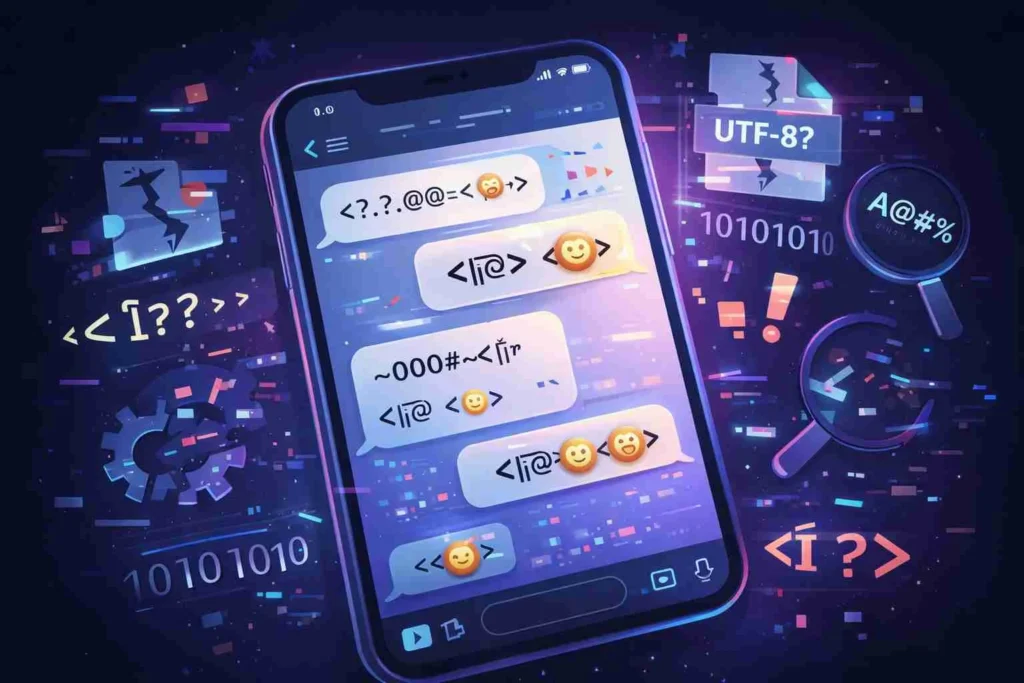
“�” in text is a replacement character that appears when a device or system cannot properly decode or display a specific character due to encoding errors. It usually indicates corrupted, unsupported, or misinterpreted text data.
Ever received a message with a strange symbol like “�” and wondered what on earth it means? You’re not alone. This odd-looking character pops up in texts, emails, or web pages and instead of conveying meaning, it often creates confusion.
In this guide, we’ll break down exactly what “� mean in text” is, why it appears, and how to deal with it like a pro.
What Does “�” Mean in Text?
At its core, “�” is not a word, emoji, or slang it’s a technical placeholder.
When your phone, browser, or app tries to read text but fails to interpret a character correctly, it replaces that unknown symbol with “�”, also known as the replacement character (�).
Simple Explanation:
- Intended character ❌ cannot be displayed
- System inserts “�” instead
Think of it like a “missing puzzle piece” in digital text.
🔍 Why Does “�” Appear?
This symbol usually shows up because of encoding mismatches. Text encoding is how computers convert characters into readable data.
Common Causes:
- Encoding Errors
- Text written in one format (like UTF-8) but read as another (like ISO-8859-1)
- Corrupted Data
- File or message damaged during transfer
- Unsupported Characters
- Device or app doesn’t recognize certain symbols or emojis
- Copy-Paste Issues
- Moving text between platforms can break formatting
- Outdated Software
- Older apps may not support newer characters
🌍 Origin of the “�” Symbol
The replacement character (�) comes from the Unicode standard, which is the global system for encoding text across devices and languages.
- Unicode introduced this symbol to flag decoding errors
- It’s officially called U+FFFD (Replacement Character)
- It helps developers identify where text failed to load properly
Popularity & Where You’ll See It
While “�” isn’t popular in a trendy sense, it’s very common in digital environments.
You might see it in:
- SMS messages or WhatsApp chats
- Emails with formatting issues
- Websites with encoding problems
- Imported documents or PDFs
- Social media captions (rare, but possible)
Real-World Usage Examples
Let’s look at how “�” appears in everyday situations:
1. Friendly Context
“Hey! I love this song � it’s amazing!”
👉 Meaning: The emoji or symbol failed to load.
2. Neutral Context
“The file name is report_�_final.doc”
👉 Meaning: A character in the file name couldn’t be decoded.
3. Negative/Dismissive Context
“Your message shows weird � symbols. Fix it.”
👉 Meaning: The text is corrupted or unreadable.
Example Table: What “�” Replaces
| Original Intended Character | What You See | Reason |
|---|---|---|
| 😊 Emoji | � | Emoji not supported |
| é (accented letter) | � | Encoding mismatch |
| (em dash) | � | Unsupported format |
| Arabic/Urdu letters | � | Font or encoding issue |
Comparison With Similar Text Issues
| Symbol/Issue | Meaning | Difference |
|---|---|---|
| ??? | Missing text | Manual placeholder |
| □ (empty box) | Unsupported font | Visual placeholder |
| � | Encoding error | System-generated replacement |
| … | Omitted text | Intentional |
Related Terms & Concepts
To better understand “�”, here are some related terms:
- Character Encoding – How text is stored digitally
- UTF-8 – Most common encoding format
- Unicode – Global text standard
- Mojibake – Garbled text due to encoding errors
Alternate Meanings (If Any)
Unlike slang terms, “�” has no alternate meanings in texting culture.
- ❌ Not an abbreviation
- ❌ Not an emoji
- ❌ Not a hidden message
It strictly signals a technical issue.
How to Fix or Avoid “�” in Text
If you’re seeing this symbol often, here’s how to fix it:
✔️ For Everyday Users:
- Update your device or app
- Use Unicode-friendly platforms
- Avoid copying text from unreliable sources
- Switch browser if a page looks broken
✔️ For Content Creators & Developers:
- Always use UTF-8 encoding
- Test text across devices
- Avoid mixing encoding formats
- Validate imported data
🤝 Polite or Professional Alternatives
If you’re communicating and notice “�” in your message:
Instead of:
“Your message is full of �”
Try:
- “Some characters didn’t display correctly.”
- “There seems to be a formatting issue.”
- “Could you resend that message?”
Usage Tips
- Don’t try to interpret “�” as a word it’s not meaningful
- If it appears once, it’s likely a small glitch
- If it appears often, there’s a deeper encoding issue
- Always double-check important messages for clarity
❓ FAQS
What does � mean in text messages?
It means a character couldn’t be displayed correctly due to encoding problems. Your device replaced it with a placeholder symbol.
Why do I keep seeing � instead of emojis?
This usually happens when your device or app doesn’t support certain emojis or uses outdated encoding formats.
Is � a virus or harmful symbol?
No, it’s completely harmless. It’s just a system-generated character indicating a decoding issue.
How can I fix � appearing in my messages?
You can fix it by updating your apps, switching to UTF-8 encoding, or retyping the message using supported characters.
Does � have any meaning in slang or texting culture?
No, it has no slang meaning. It’s purely technical and not used intentionally in conversations.
Why does � appear when I copy text from websites?
Because different websites use different encoding formats, which can cause characters to break during copy-paste.
Can I remove � from my text?
Yes, by replacing it with the correct character or retyping the text using proper encoding.
Is � the same as a question mark (?)
No, a question mark is intentional punctuation, while � is an error placeholder for unreadable characters.
Conclusion
The mysterious “�” symbol in text might look confusing at first, but it’s simply a sign that something went wrong behind the scenes. It doesn’t carry emotional tone, hidden meaning, or slang value it’s just your device’s way of saying, “I couldn’t read this.”
Understanding why it appears can help you avoid miscommunication, especially when dealing with important messages, files, or content creation. By using proper encoding like UTF-8, keeping your software updated, and double-checking text formatting, you can easily prevent this issue.
In short: “�” isn’t something to decode it’s something to fix.
Discover More Related Articles:
- 289 Best Reply To “Oh I See”: Without Killing the Conversation In 2026
- 450 Best Replies to “You Broke My Heart”: That Feel Honest & Real In 2026
- 376 Best To Respond To “Monkey”: That Show Confidence and Class In 2026