
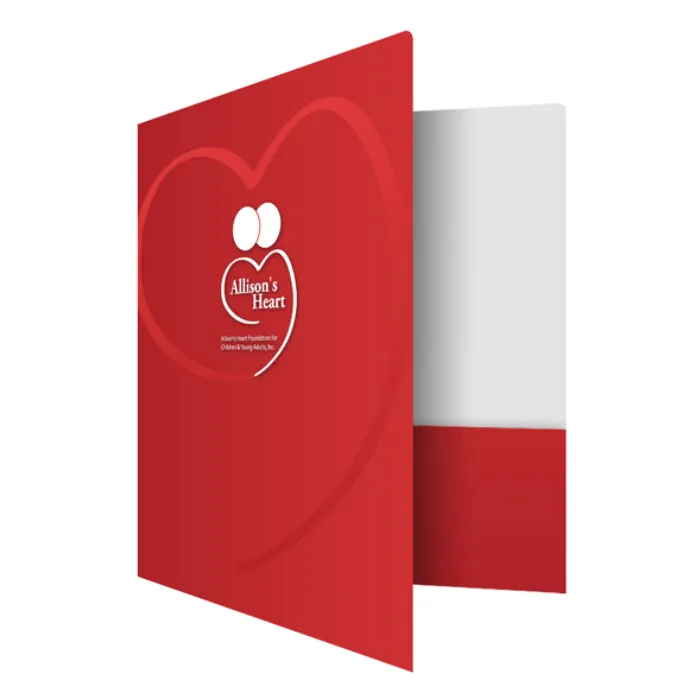

Printed folders play an important role in how businesses present documents, proposals, and marketing materials. The U.S. Small Business Administration reports that small businesses represent 99.9% of all businesses in the United States, making professional communication tools valuable for companies across different industries. A well-made folder helps organize information while creating a polished experience for clients, partners, and customers. Small design choices can shape how people view the materials inside.
A quality folder combines practical features with appealing design elements. From paper selection to finishing touches, every detail affects the final result. Professional folder printing helps create organized materials that support presentations, meetings, and everyday business needs. The following features define what makes a commercial folder stand out.
1. Premium Materials
The material used for a folder affects its appearance, durability, and overall feel. A sturdy paper stock helps protect documents while giving the folder a professional look. Smooth surfaces allow images and text to appear clear, while specialty textures can add a distinctive touch. Choosing the right material helps the folder match its intended purpose.
A folder designed for important presentations requires careful material selection. The paper weight, finish, and texture should support both function and appearance. Quality materials create a reliable foundation for the entire design.
Material Features That Add Quality
- Strong paper stock for better durability
- Smooth surfaces for clear printing
- Textured options for a refined appearance
- Suitable thickness for document storage
2. Clean Design
A well-planned layout helps users find and manage documents with ease. The placement of pockets, card holders, and printed information affects how practical the folder becomes. A balanced design creates a neat appearance while keeping important details easy to access. Good structure allows the folder to support different business needs.
Design elements should work together without creating clutter. Proper spacing, readable text, and useful storage areas help create a better experience. A thoughtful layout makes the folder both attractive and functional.
Layout Details That Matter
- Organized pocket placement
- Clear areas for contact information
- Balanced spacing between design elements
- Easy access to stored documents
3. Accurate Colors
Color quality has a direct impact on the visual appeal of a printed folder. Clear colors help logos, images, and design features appear professional and consistent. Sharp printing details also improve readability and create a polished finish. These elements help printed materials look carefully prepared.
The right color choices should support the overall design instead of distracting from the message. Proper contrast allows important information to stand out. High-quality printing techniques help maintain a clean and attractive appearance.
Important Printing Elements
- Consistent color results
- Clear images and graphics
- Readable text placement
- Precise printing detail
4. Detailed Finishing
Finishing techniques can improve the look and performance of commercial folders. Protective coatings help maintain the surface quality, while specialty finishes can create a unique appearance. These options allow businesses to create folders that match their communication goals. A suitable finish can make the final product feel more complete.
Different finishing choices provide different benefits. A smooth coating may create a sleek appearance, while a textured finish can add extra character. The best option depends on the folder’s purpose and design style.
Finishing Choices To Consider
- Protective coatings for surface protection
- Textured finishes for visual appeal
- Special details for added style
- Clean folds and edges for a refined result
5. Strong Branding
A commercial folder represents the documents placed inside it. Consistent branding helps create recognition through logos, fonts, and design elements. A clear visual style allows customers to connect the folder with the business behind it. Strong branding creates a more organized presentation.
The design should communicate professionalism while keeping the information easy to understand. Simple branding choices can create a cleaner appearance. A balanced approach helps the folder support the company’s message.
Branding Elements To Include
- Clear logo placement
- Consistent fonts and colors
- Organized company information
- Design choices that match other materials
6. Custom Features
Custom features allow folders to meet specific requirements. Additional pockets, business card slots, and unique shapes can improve usability. Each feature should serve a clear purpose and support how the folder will be used. Thoughtful customization creates a more practical final product.
Careful production also plays a major role in quality. Accurate cuts, proper folds, and detailed checks help create consistent results. A well-produced folder combines useful features with dependable craftsmanship.
Features That Support Better Results
- Extra pockets for added storage
- Card holders for convenience
- Accurate folding and trimming
- Quality checks during production
A high-quality commercial folder combines thoughtful design, reliable materials, and precise production. folder printing helps businesses organize important documents while creating a professional presentation. Paper choice, layout, colors, finishes, and custom details all contribute to the final result. A well-designed folder supports clear communication and improves the way information is shared. These features help create a practical tool that leaves a professional impression. It also provides a reliable way to present materials during important business interactions.