
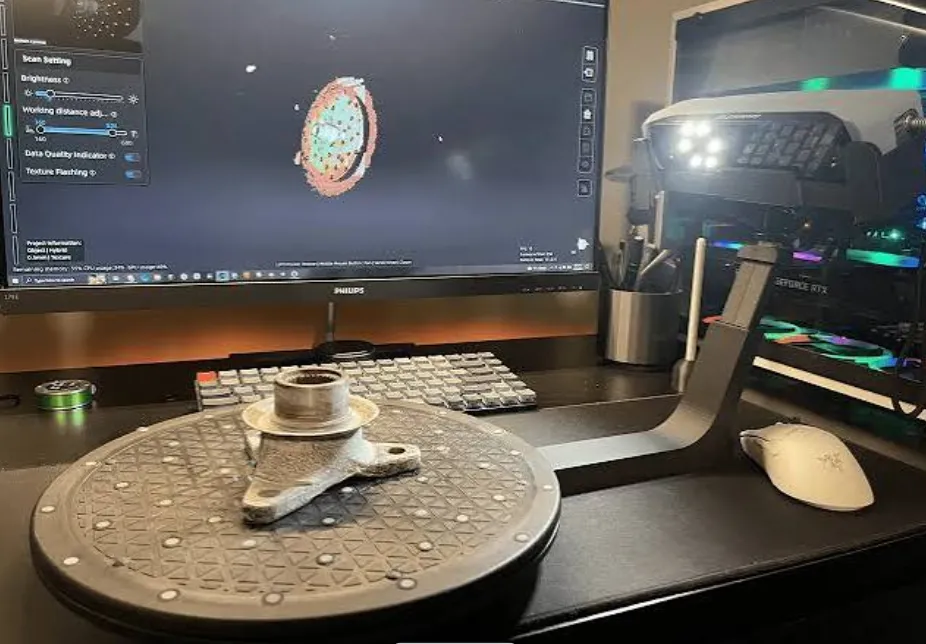

I have always found it easier to understand a new technology when I can see how it fits into an actual process. With 3D scanning and printing, the individual tools are interesting, but the real value appears when they are used together.
A physical object can become the starting point for a digital project. Its shape can be captured, reviewed on a computer, adjusted where necessary, and eventually turned into a new physical part. This is where a 3d scanning printer can become part of the overall workflow, although there are several steps between the original object and the finished print. Understanding those steps helps avoid the common assumption that scanning something automatically creates a perfect printable copy.
Scanning and Printing Do Different Jobs
The term 3d scanning printer can create some confusion because scanning and printing are two different processes. A scanner works in one direction: it takes information from a physical object and creates digital geometry. A 3D printer works in the opposite direction, using a digital model to create a physical object layer by layer.
When combined, however, they create a useful loop. I can start with an existing object, capture its shape with a scanner, process the resulting data, modify the model, and then use a printer to produce a new version. The two technologies are separate, but they complement each other naturally.
Start by Defining the Goal
Before scanning anything, I think it helps to decide what I actually want from the finished model. If I am creating a digital record, I may care mostly about capturing the object’s overall appearance and geometry. If I am making a replacement part, dimensions and fitting surfaces become much more important.
A decorative replica has different requirements from a component that needs to connect with another part. The same scanner can potentially be used for both, but the scanning approach and amount of post-processing may differ. Knowing the final purpose also prevents unnecessary work. Free 3D Model There is no reason to capture and perfect details that will have no effect on the final result.
Preparing the Object
Good results often begin with simple preparation. I would inspect the object for areas that could be difficult to capture, such as narrow openings, deep recesses, thin edges, or surfaces hidden from certain viewpoints. Planning these areas in advance can help determine how many scanning angles are needed. The material is worth considering as well. Certain reflective, transparent, or very dark surfaces can be challenging for optical scanning systems.
Keeping the object stable is equally important. If it moves while different sections are being captured, the software may have difficulty combining the scans accurately. A few minutes spent preparing the setup can make the processing stage much less frustrating.
Capturing the Shape
During scanning, the goal is to collect enough information from different viewpoints to describe the object’s geometry. With handheld equipment, controlled movement can make a noticeable difference. I would try to maintain a consistent distance and move around the object gradually rather than rushing from one side to another.
Some areas may require another pass. If a particular surface was blocked or captured poorly, it is usually better to address it during scanning rather than discovering the problem after everything has been processed. This is where experience becomes valuable. The more objects I scan, the easier it becomes to recognize which areas deserve extra attention.
What Happens to the Data?
After the scan, the raw information needs to be processed. Depending on the equipment and software, I may work with point clouds, meshes, or other forms of digital geometry. Unwanted areas can be removed, separate scans can be aligned, and gaps may need to be repaired. This stage is important because the scanner captures what is physically present. That includes imperfections I may not actually want in the final design.
For instance, if I am scanning an old component to recreate it, I might find scratches, dents, or a broken section. Reproducing those features would not necessarily make sense. Instead, I can use the scan as a reference and rebuild the areas that need correction.
Using a 3D Scanner for 3D Printing
A 3d scanner for 3d printing becomes particularly useful when the physical object already contains geometry that would be time-consuming to recreate manually. This could include a replacement cover, an unusual bracket, a custom enclosure, or an object with organic curves.
The scan provides the starting geometry, but I still need to think like a designer. Some areas may need to be resized, strengthened, simplified, or completely redesigned. This is especially important for functional parts. A model can look almost identical to the original and still fail if a mounting hole is slightly misplaced or a connecting surface is the wrong size.
Checking the Model Before Printing
Once editing is complete, I would inspect the digital model before sending it to a slicer. The mesh should be checked for obvious gaps, unwanted geometry, and other problems that could interfere with printing. Thin sections may need reinforcement, while certain details may need to be simplified depending on the printer and material. I would also consider print orientation.
The position of the model on the build plate can affect support structures, surface quality, strength, and printing time. Sometimes rotating a model slightly can produce a much better result without changing the design itself.
The First Print Is Part of the Process
Even with a careful scan and well-prepared model, the first print may reveal something that was not obvious on screen. Perhaps a part fits too tightly. Maybe a thin wall needs reinforcement, or a particular surface requires a different orientation.
Rather than treating this as a failure, I see the first print as useful feedback. The digital model can be adjusted and printed again. This creates a cycle of scanning, editing, testing, and refining. Over time, the workflow becomes more predictable.
Where This Workflow Can Be Useful
The scanning-to-printing approach has applications across many different types of projects. A hobbyist might use it to recreate a discontinued part. A designer could scan an existing object as the foundation for a new concept. An engineer might capture a physical component for reference, while a maker could customize an object instead of copying it exactly.
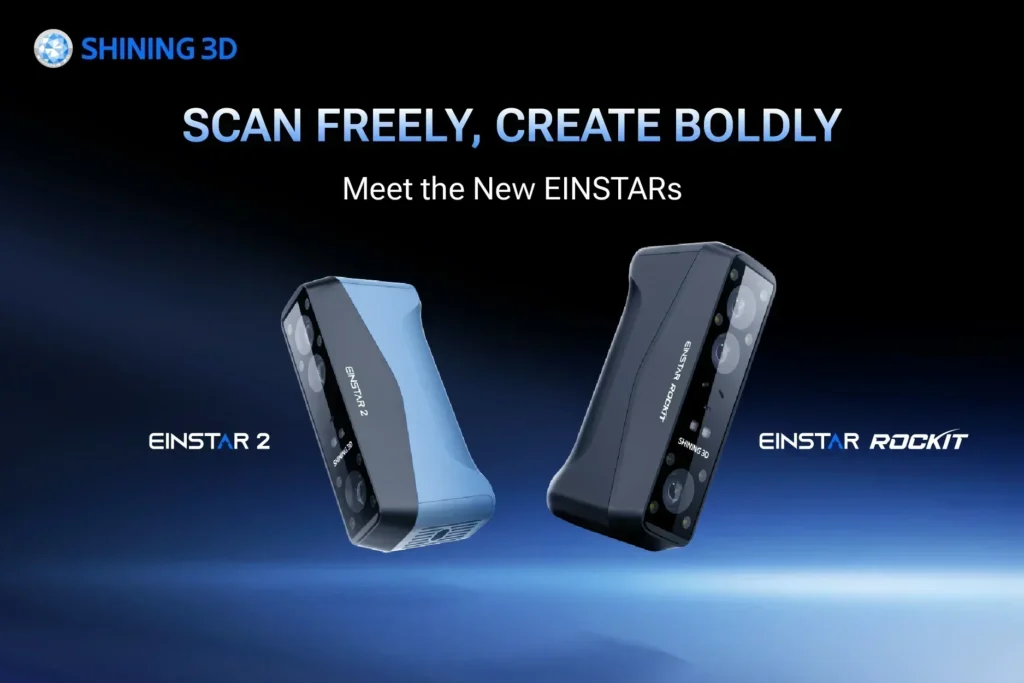
It can also be useful when original design files are unavailable. Having the physical object itself can provide enough information to begin rebuilding the geometry. For people exploring this type of workflow, a 3d scanner for 3d printing from manufacturers such as EINSTAR may be one option to evaluate alongside other equipment based on the specific project.
Making the Process More Efficient
The biggest improvements often come from developing a repeatable routine. I can learn which scanning angles work best, how much coverage is enough, which surfaces need special attention, and which digital cleanup steps are usually necessary. Eventually, scanning becomes less about experimenting with every setting and more about following a process that I know works. That consistency matters when several objects need to be captured or when a project involves multiple versions of the same design.
Conclusion
A 3d scanning printer is not usually a single device that magically turns an object into a finished product. It is better understood as part of a connected workflow involving scanning, processing, digital editing, slicing, and printing. A 3d scanner for 3d printing can make the first stage much easier by capturing existing physical geometry. From there, careful editing and print preparation determine how useful that captured information becomes. The real advantage is flexibility. Instead of always starting from a blank digital canvas, I can begin with something that already exists, learn from its shape, change what needs changing, and create something new from it.
FAQs
Can a 3D scanner be used with any 3D printer?
Generally, the scanner and printer do not need to be directly connected. The scanned data is processed into a suitable digital model and then prepared for the particular 3D printer and slicing software being used.
Does scanning eliminate the need for CAD modelling?
Not necessarily. Scanning can provide the initial geometry, but CAD or mesh-editing software may still be useful for correcting dimensions, repairing areas, or customizing the model.
Why does a scanned model sometimes have holes?
Some surfaces may not have been visible to the scanner during capture. Poor tracking, difficult geometry, or challenging materials can also contribute to incomplete data.
Can I modify a scanned object before printing?
Yes. Modification is one of the main benefits of bringing a physical object into a digital workflow. You can adjust dimensions, repair damage, remove features, or create an entirely customized version.
Is the first printed version always accurate?
Not necessarily. Small fitting or dimensional issues may only become obvious when the physical part is tested. Printing a prototype and using the result to refine the digital model can be an important part of the process.